 31f5950fda
|
||
|---|---|---|
| cached | ||
| docs | ||
| src/Star-Mapper | ||
| templates | ||
| .gitignore | ||
| README.md | ||
| app.py | ||
| layout_engine.py | ||
| requirements.txt | ||
| setup.py | ||
README.md
Star-Mapper — Cortex Graph Explorer
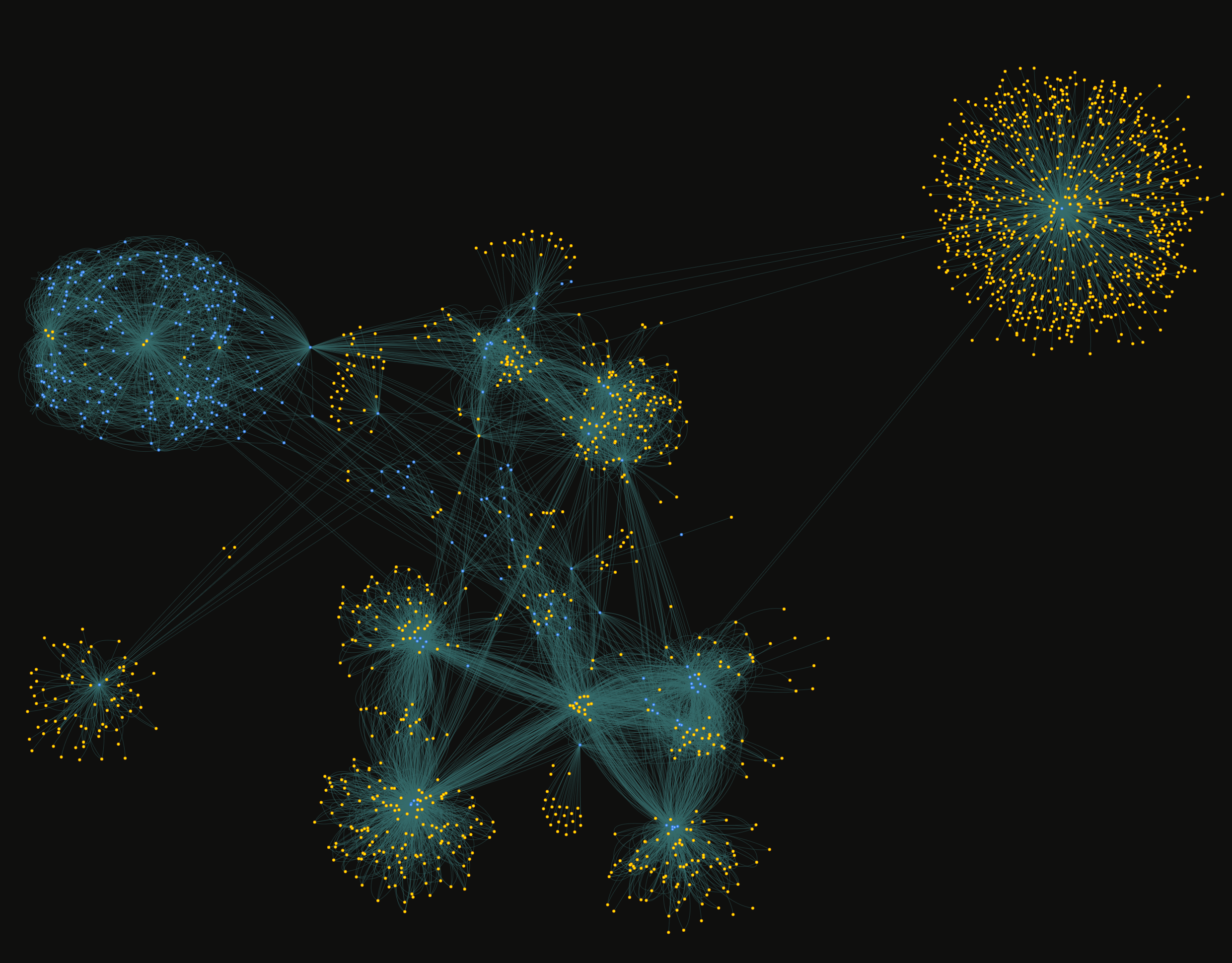
A high-performance Neo4j graph visualization app with Python-precomputed layouts and a Canvas 2D frontend.
Quick Start
# 1. Clone & enter the repo
git clone https://github.com/Askill/Star-Mapper.git
cd Star-Mapper

# 2. Create a virtual environment & install dependencies
python3 -m venv .venv
source .venv/bin/activate
pip install -r requirements.txt

# 3. Run the app
python app.py
Open http://localhost:5555 in your browser.
Environment Variables (optional)
| Variable | Default | Description |
|---|---|---|
NEO4J_HTTP_URL |
https://neo4j.develop.cortex.cloud.otto.de |
Neo4j HTTP endpoint |
NEO4J_USER |
neo4j |
Username |
NEO4J_PASSWORD |
(empty) | Password |
NEO4J_DATABASE |
neo4j |
Database name |
# Example: connect to a different instance
NEO4J_HTTP_URL=https://my-neo4j.example.com NEO4J_USER=admin NEO4J_PASSWORD=secret python app.py
You can also change the connection at runtime via the Connection Settings panel in the sidebar.
Features
- Neo4j connectivity via HTTP Transactional API (works behind ALB/HTTP proxies)
- Python-precomputed layouts using igraph (C-based) — auto-selects algorithm by graph size
- Canvas 2D rendering with D3 zoom/pan, quadtree hit testing, viewport frustum culling
- Curved edges with configurable curvature, multi-edge spreading
- Recursive highlight diffusion — click a node to BFS-highlight neighbors with decaying opacity
- Visual settings sliders — curvature, edge opacity/width/color, node size, label size/zoom, spacing, iterations
- Schema browser, sample queries, node search, minimap, dark glass-morphism theme
Performance
| Nodes | Layout Time |
|---|---|
| 300 | ~10 ms |
| 3,000 | ~77 ms |
| 5,000 | ~313 ms |
Original Star-Mapper description below.
Original: Website Mapper
Calls every link on a given website and produces an explorable graph visualization.
Please note that the graph layout can take a long time since it is JS based. Loading a graph with 3000 Nodes may take 5 minutes or more.
    Map any website. Only map websites you own, as this tool will open any link on a given
    website, which can potentially incure high costs for the owner and be interpreted
    as a small scale DOS attack.

        optional arguments:
        -h, --help            show this help message and exit
        -url                  url to map
        --plot-cached         path to cached file
        -limit                maximum number of nodes on original site
Examples:
Google.de: